Your holiday home site is on Wix. You want guests to see real dates, and to book and pay there, without switching to Wix Hotels or rebuilding the site.
The Wix menu names below follow the Wix Editor as described in Wix's own help on 10 November 2026: Add Elements → Embed Code → Embed HTML. Wix Studio and other Wix editors use slightly different menu names, so look for the same Embed HTML element there. This is part of our guide to a booking calendar for website builders.
Bookinghook or Wix Hotels?
| Bookinghook widget on Wix | Wix Hotels | |
|---|---|---|
| Built for | Holiday homes, cottages and B&Bs run by their owner | Room types and inventory, for hotels, B&Bs and vacation rentals |
| Airbnb sync | Two-way iCal on every plan; channel manager on Professional and Business | Wix's help describes the Airbnb iCal link in Wix Hotels by HotelRunner as one-way: availability goes to Airbnb, and Airbnb reservations are entered by hand |
| Payments | Stripe and Mollie to your own account on Professional and Business. No Bookinghook commission. | Set up inside the Wix app |
| Your site | Keep the Wix site you have | Add the Wix Hotels app to your site |
Source for the Wix Hotels column: Wix's own help pages, checked on 10 November 2026.
If you have one property, or a few, and you already like your Wix design, the embed is usually the simpler change. If you want to manage rooms and bookings inside Wix, look at Wix's own apps first.
What you need
- A Wix site you can edit in the Wix Editor on desktop.
- A Bookinghook account with your rates and payment rules set. That takes about half an hour, and we are happy to help.
Step by step
1. Copy your Bookinghook widget code
- Log in to Bookinghook.
- In the left menu, open This rental → Widget.
- Optional: set your brand colour under Branding and save, so the widget fits your Wix design.
- In the Embed widget section, choose Embed, pick a language, and keep Script under How to embed. Choose Embed rather than Popup: Wix shows your code inside a frame on the page, and a side drawer would stay inside that frame.
- Press Copy code.
The Go to widget button on the Add reservations page opens the same screen.
2. Add an Embed HTML element in Wix
- Open your site in the Wix Editor and go to the page where guests should book.
- Click Add Elements.
- Choose Embed Code, then Embed HTML.
- Click the embed on the page, choose Enter Code, and paste the Bookinghook code into the box.
- Click Apply.
- Drag the frame to the size you want. Give it enough height: the dashboard suggests 600 to 900 pixels, and 780 fits most pages. Multi-month calendars need the height.
- Preview, then Publish.
Wix shows embedded code in a frame that does not resize with the page, so check the live page on your phone and on a desktop. Make a test booking yourself, and cancel it in Bookinghook afterwards.
3. Sync Airbnb and Booking.com
The widget shows Bookinghook availability. To avoid double bookings with Airbnb or Booking.com, connect your calendars both ways, or use the channel manager on Professional and Business. iCal is reliable but not instant. Guide: how to sync Airbnb and Booking.com with Bookinghook.
What guests get on your Wix page
- Live availability.
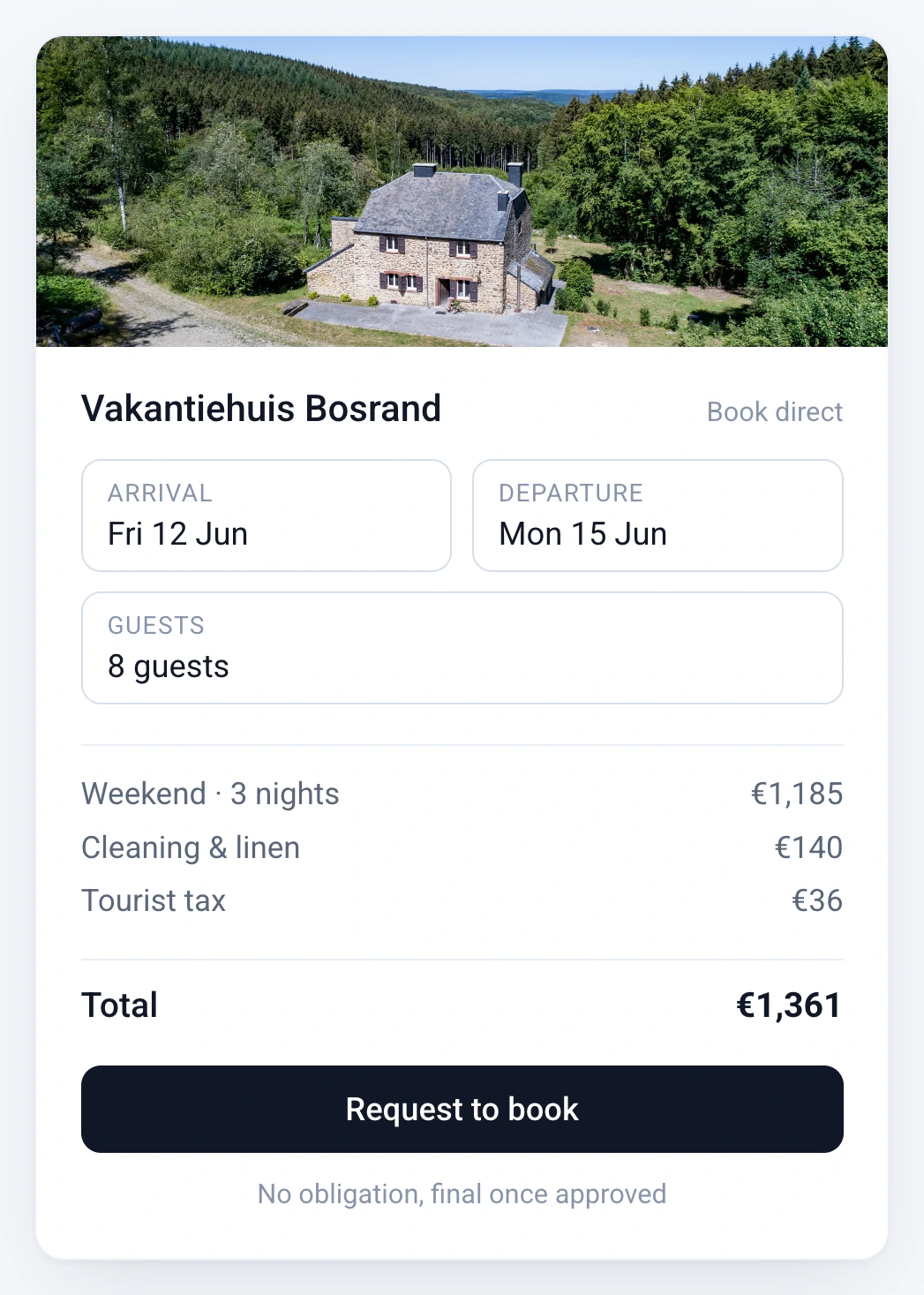
- On Professional and Business: booking and payment of a deposit, the balance and a security deposit through Stripe or Mollie, including local methods such as iDEAL when you enable them.
- On Professional and Business: guest emails and VAT invoices from Bookinghook.
- Dates that close on your channels when someone books on Wix, once calendar sync is set up.
Troubleshooting
| Problem | What to try |
|---|---|
| A blank box after publishing | Check that you used Embed HTML and pasted the code with Enter Code. In the dashboard, switch "How to embed" to Iframe. If it stays blank, put a Book button on the page that opens your Bookinghook booking link. |
| The frame is too small | Drag the frame taller. Wix's frame does not resize on its own. |
| Dates differ from Airbnb | Finish two-way sync. Platforms often read your calendar every few hours. |
Wix says it cannot support external code it did not create or test, so for problems inside the Wix Editor itself, check Wix's help. For the Bookinghook side, ask us.
Frequently asked questions
Do I need the Wix App Market?
No. Bookinghook is not a Wix app. You paste embed code into an Embed HTML element, the same pattern other vacation rental widgets use.
Can I keep my Wix payments and checkout?
Payments for a stay run through the Stripe or Mollie account you connect to Bookinghook (Professional and Business), not through a second Wix checkout. You can keep Wix payments for anything else on your site.
The box is blank after I publish. What now?
Check that you used an Embed HTML element and pasted the code into it. In the Bookinghook dashboard you can also switch "How to embed" from Script to Iframe. If it stays blank, put a Book button on the page that opens your Bookinghook booking link.
How much does it cost?
Basic is €15 a month billed yearly (€19 monthly), Professional €40 (€49) and Business €80 (€99). One price covers one to five properties. Online payments are on Professional and Business. There is a 14-day free trial, no setup fee, and you can cancel monthly.
Can guests book in Dutch?
Yes. The widget is multilingual and you pick its language in the dashboard. We help in Dutch and English.
Ready to take bookings on Wix?
Try Bookinghook free for 14 days, or book a 20-minute call and we go through the embed together.