Accept guest payments online, without commission
Guests pay a deposit when they book and the balance later. The money goes to your bank, and Bookinghook takes no commission.
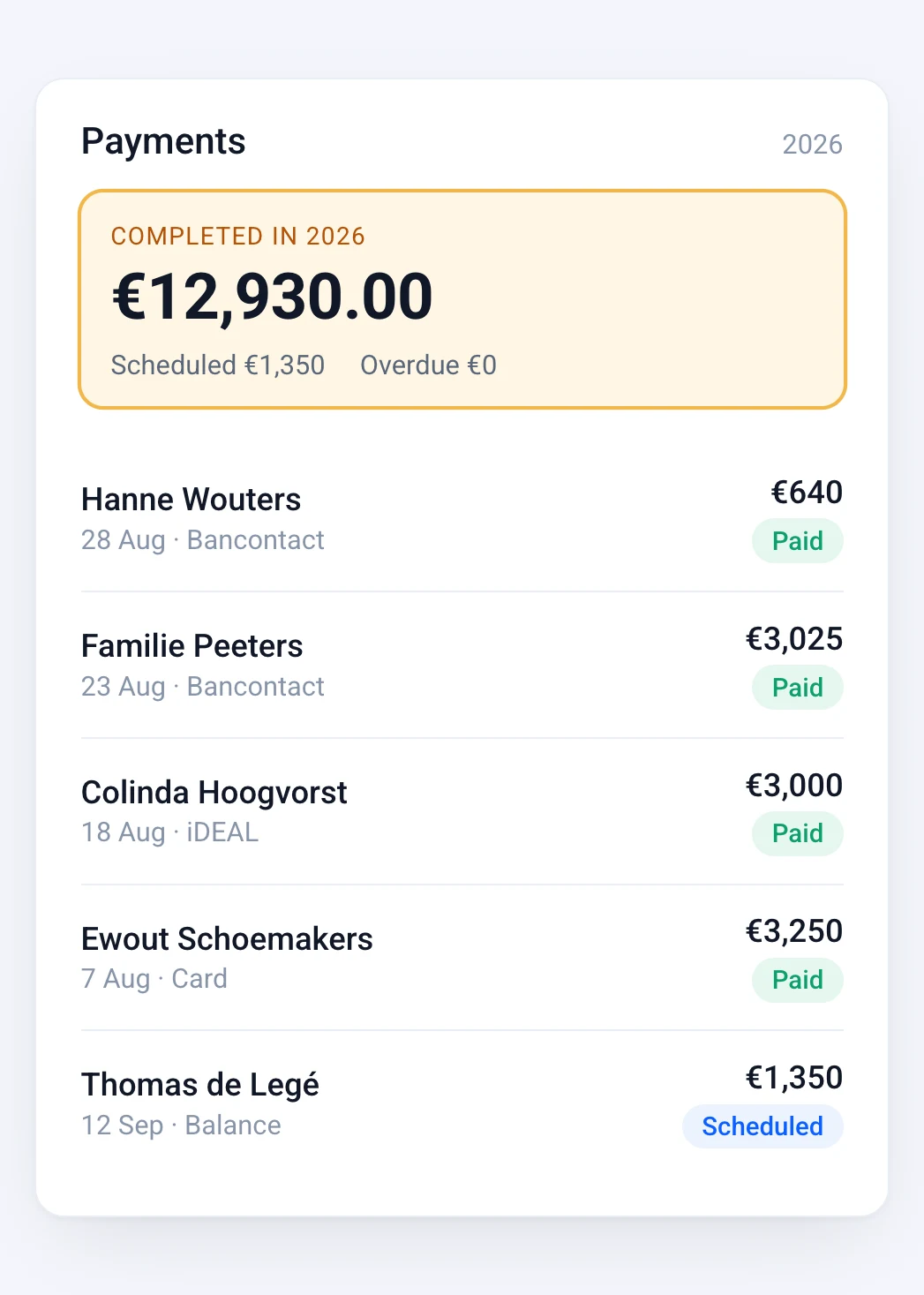
What your guest pays is yours. Bookinghook charges a fixed subscription, not a cut of each booking. Payments run through your own Stripe or Mollie account, at their usual transaction rate. There is no extra Bookinghook fee on top of that.
No booking commission from Bookinghook
Processor fees from Stripe or Mollie still apply, at their published rates
Payouts go directly to your own bank account
Set how you want to be paid once, per property, and Bookinghook applies it to every booking.
A share of the stay is paid at booking, as a fixed amount or a percentage, so the reservation is secured.
The remainder is due before arrival, on the number of days you set. The guest receives a payment request with a link to pay it. The balance is not charged automatically.
You set an amount per property. It is included in what the guest pays. When you take a deposit first, it is part of the balance. It is collected as a payment, not held as a pre-authorisation on the card.
Cleaning, linen, tourist tax or pets can be paid together with the booking.
Choose the payment provider that fits you. Both are PCI DSS compliant, so card data never sits on your own systems.
Card payments and local methods such as iDEAL and Bancontact, depending on what you enable in Stripe or Mollie
A bank transfer you receive yourself can be recorded on the booking
Payout to your own bank account. When it arrives is set by Stripe or Mollie
Each booking gets a clear quote and a VAT invoice, created automatically. Your data is hosted in the EU and handled in line with GDPR.
Online payments via Stripe or Mollie are part of the Professional plan (recommended) and the Business plan. On Basic, you handle payments yourself, for example by bank transfer you record on the booking. See pricing.
Link your existing account, or create one, from your Bookinghook settings.
A fixed deposit or a percentage, how many days before arrival the balance is due, and the security deposit amount.
Guests choose dates and pay the deposit at checkout, by card or a local method.
The guest receives a confirmation and invoice automatically. Before the balance is due, they receive a payment request with a link to pay it.
Some tools focus only on collecting deposits or holding security deposits next to another system. Bookinghook takes a different approach: bookings, calendar and payments live in one place, designed for hosts with a few properties. If you already run a full channel manager or PMS and only need deposit holds, a dedicated payment tool may suit you. If you want guests to book and pay directly on your own site, without commission, Bookinghook covers both.

Bookinghook does not charge a booking commission. Stripe and Mollie charge their own transaction fees, which you can find on their websites.
We build Bookinghook for independent hosts with a few properties who want their direct bookings to feel as calm and professional as the stay itself.