Channel manager for holiday rentals

One calendar for Airbnb, Booking.com and more than 60 other channels. Prices and availability update automatically, and bookings come straight in. No more double bookings.
Get started
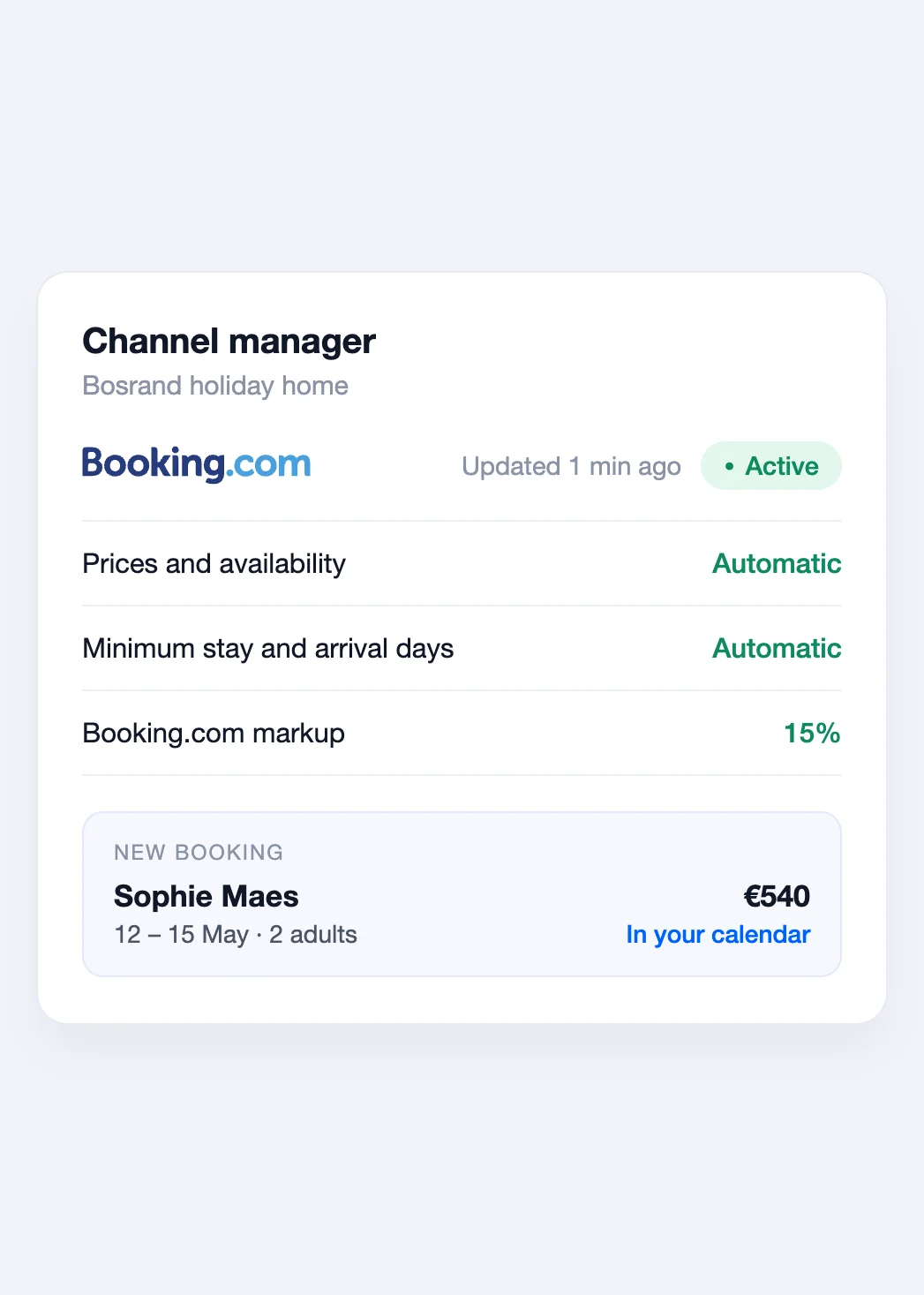
Channel manager settings in Bookinghook with an active Booking.com connection

Works with more than 60 channels

Expedia Agoda Trip.com Google Hostelworld Hopper Hipcamp Glamping Hub

+ more than 50 other channels

One place for everything

Change your prices once, not on every platform

With the channel manager you run your rental from Bookinghook. Change a price, block a date, or take a booking, and all your channels are updated within minutes. No double bookings, and no extra work on every platform.
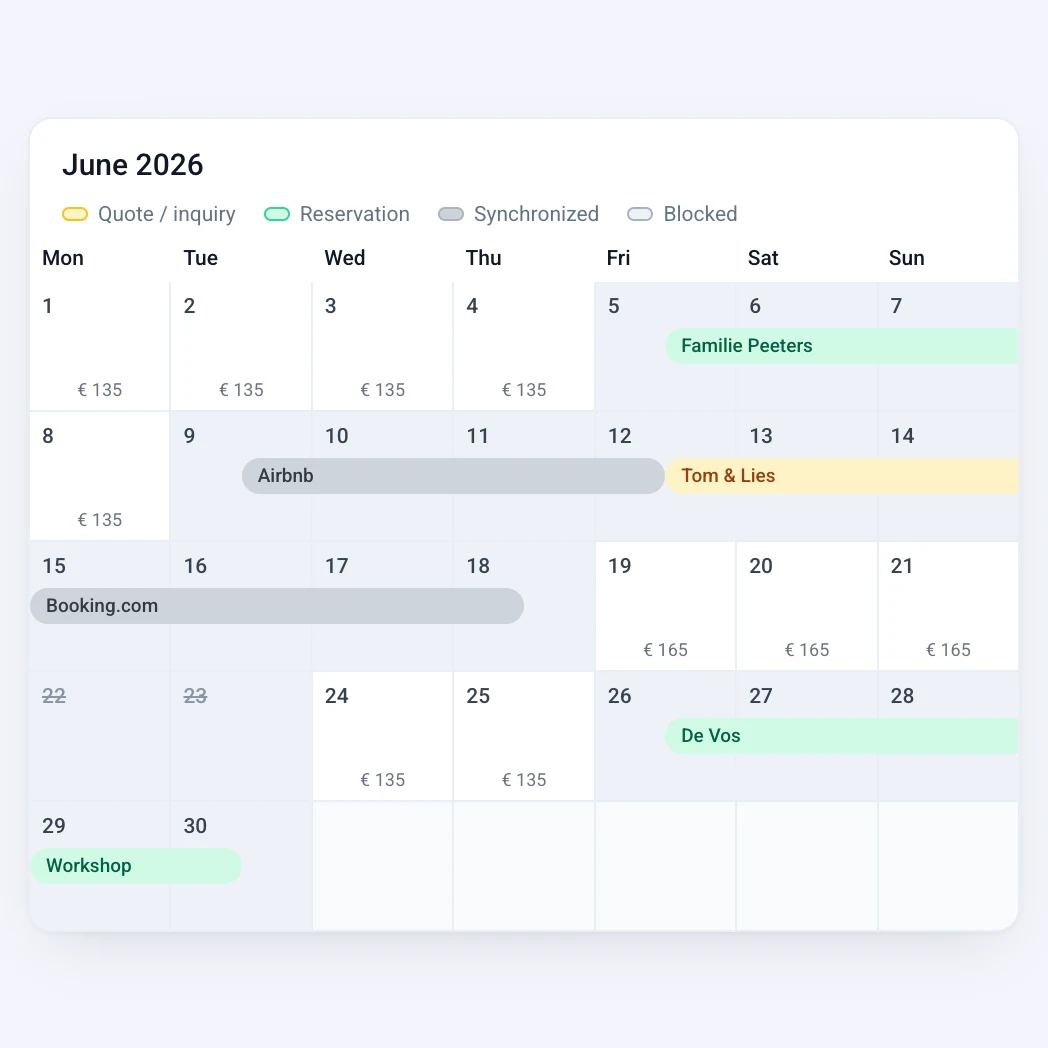
Bookinghook calendar with bookings

What the channel manager does for you

Prices and availability

Nightly prices, minimum stay, and arrival and departure days go from Bookinghook to all your channels automatically.
Bookings in your calendar

New, changed and cancelled bookings from Airbnb, Booking.com and other channels appear in Bookinghook on their own, with the guest's details.

Your price per channel

Set a markup, for example to cover the Booking.com commission. The price on your own website stays the same.

Connected in three steps

1

Turn on the channel manager

Connect your rental in the Bookinghook settings. Your calendar and prices are sent right away.

2

Connect your channels

Connect Booking.com, Airbnb and other channels in the settings, and choose which room and rate take over your prices.

3

Done

From then on, Bookinghook keeps all your channels up to date. We're happy to help you with your first connection.


Questions

Frequently asked questions

How is this different from calendar sync?
Calendar sync only shares which dates are taken, and other platforms pick that up with a delay. The channel manager also sends your prices and stay rules, works faster, and brings in bookings with the guest's details.
Which channels does the channel manager work with?
More than 60 channels, including Airbnb, Booking.com, Expedia, Agoda, Trip.com and Hostelworld. Is your channel not listed? Then use calendar sync, which is included in every plan.
Do I need to set anything up on Booking.com or Airbnb?
Once. On Booking.com you choose our channel manager as your connectivity provider in the extranet; on Airbnb you sign in once to allow the connection. After that, you manage everything from Bookinghook. We're happy to help.
How quickly do changes reach my channels?
Usually within a few minutes after you save them in Bookinghook. New bookings reach your calendar just as fast.
Which plan includes the channel manager?
The channel manager is included in the Professional and Business plans. The pricing page shows what each plan includes.

Keep all your channels up to date without the extra work?

Start your free trial. We'll help you connect your channels personally.

Get started